
Free Online PDF Tools for Everyday Documents
Use free online PDF tools to merge, split, compress, convert, rotate and manage PDF files. Simple browser-based PDF utilities for students, professionals and businesses.
PDF files are used everywhere—from school assignments and business reports to invoices, forms, applications, and digital documents. They are convenient for sharing and printing, but managing PDF files can sometimes require several different tasks.
You may need to merge multiple PDFs, split a document, reduce its file size, convert files, rotate pages, add page numbers, or organize a document before sharing it.
FinRiseTools provides a growing collection of free online PDF tools designed to make these common tasks easier. Our tools are accessible through a web browser and are designed to work across desktop and mobile devices without requiring traditional desktop PDF software for every basic task.
What Are PDF Tools?
PDF tools are online utilities that help users perform common operations on Portable Document Format files.
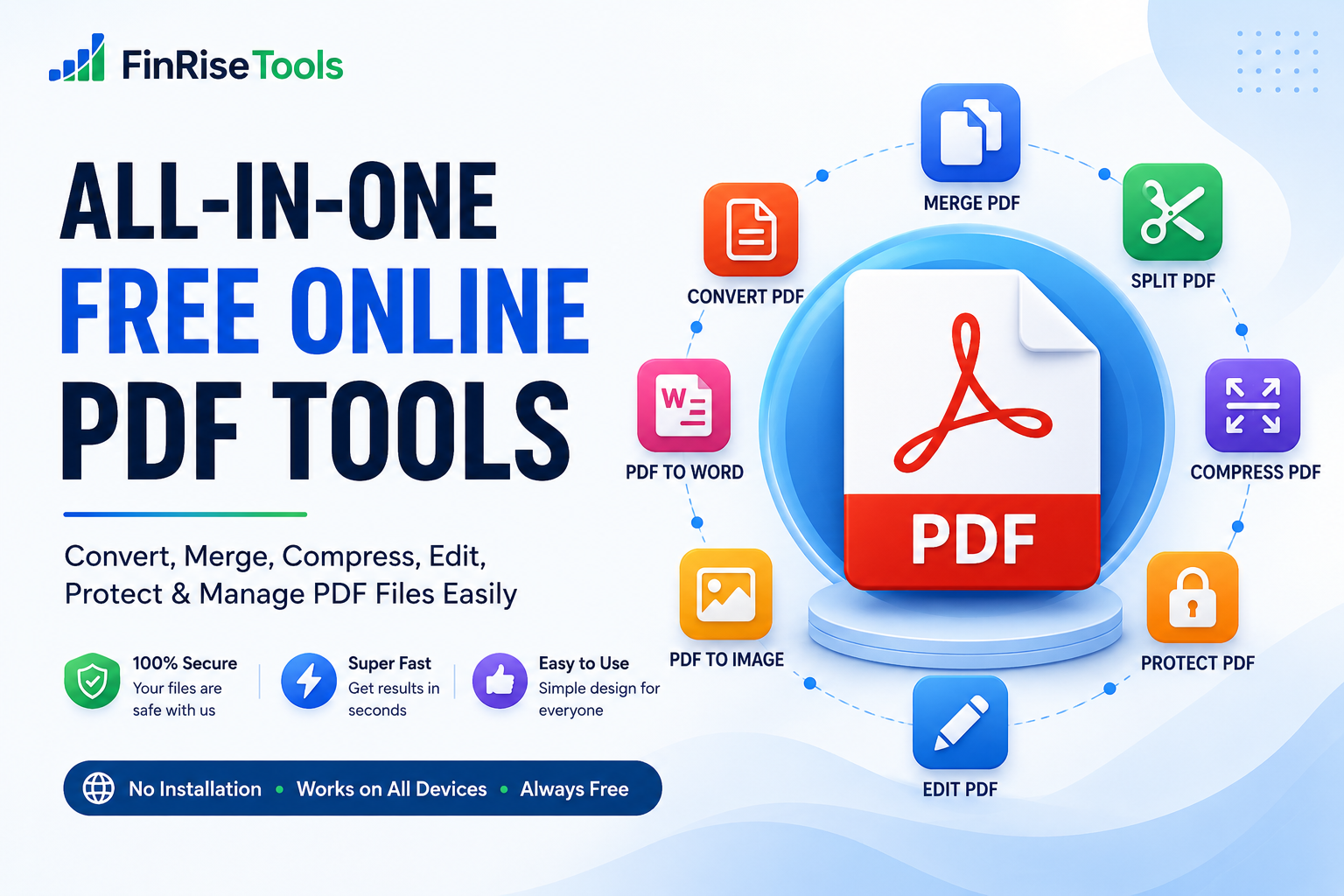
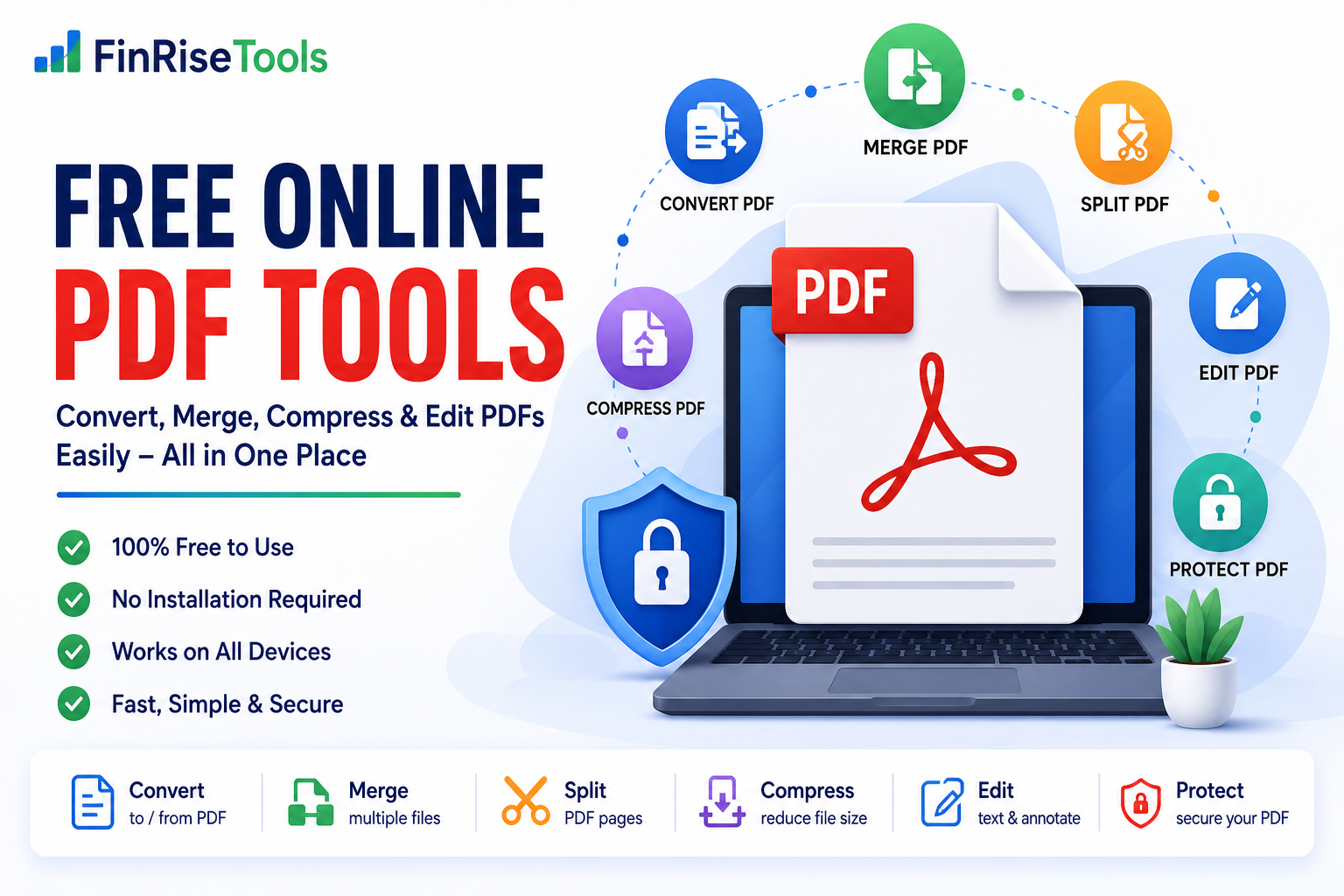
Depending on the tool, you can use online PDF utilities to:
- Merge multiple PDF files
- Split PDF documents
- Compress large PDFs
- Convert documents to or from PDF
- Rotate PDF pages
- Add page numbers
- Extract information from PDFs
- Edit selected PDF properties
- Add annotations or other supported elements
- Organize PDF pages
The exact features available depend on the individual tool. FinRiseTools is continuously expanding its collection to cover more everyday document needs.
Why Use Online PDF Tools?
Traditional PDF software can be useful for advanced workflows, but not everyone needs to install a large application for a simple task.
For example, if you only need to combine two PDF files, reduce a document’s size, or rotate a few pages, an online tool can be a convenient option.
No complicated setup
Browser-based tools can be accessed directly from a compatible device, making them convenient for quick tasks.
Useful for everyday work
PDF utilities can help with school assignments, business documents, invoices, applications, reports, presentations, and other common files.
Works across devices
FinRiseTools is designed with responsive interfaces so users can access its tools from desktops, tablets, and smartphones.
Simple interface
Our goal is to make individual tools straightforward so users can understand what to upload, what operation to select, and what result to download.
PDF Tools Available on FinRiseTools
Our PDF collection is designed around common document-management tasks.
Merge PDF Files
Need to combine several PDF documents into one file?
A PDF merger can help you combine multiple documents into a single PDF. This can be useful for reports, assignments, applications, invoices, or collections of related documents.
Before merging files, you can arrange them in the order you want them to appear.
Split PDF
Large PDF documents are not always convenient to share or manage.
A PDF splitter can help you separate selected pages or divide a document into smaller sections, depending on the tool’s available options.
For example, you might want to extract a few pages from a long report instead of sharing the entire document.
Compress PDF
Large PDF files can be difficult to upload, email, or store.
A PDF compressor reduces file size according to the compression options supported by the tool.
Compression can be particularly useful when a website, email service, or application has a file-size limit.
The resulting quality and file size can vary depending on the original document and the compression settings.
Convert PDF Files
Different projects often require different file formats.
PDF conversion tools can help users transform supported documents or files into formats required for their workflow.
Common conversion tasks may include:
- PDF to Word
- PDF to Excel
- PDF to PowerPoint
- Word to PDF
- Excel to PDF
- Image to PDF
- PDF to image
Conversion results can vary depending on the original file, formatting, fonts, tables, images, and the specific conversion method used.
Rotate PDF Pages
Sometimes a document contains pages in the wrong orientation.
A PDF rotation tool can help you change page orientation so the document is easier to read, print, or share.
This is particularly useful for scanned documents and files containing pages captured in different orientations.
PDF to JPG or PNG
PDF pages may sometimes be needed as individual images.
A PDF-to-image tool can convert supported PDF pages into image formats such as JPG or PNG.
This can be useful for presentations, websites, previews, social media graphics, or image-based workflows.
Image to PDF
If you have multiple JPG or PNG images and need them in a single document, an Image to PDF tool can help combine them into a PDF.
This can be useful for:
- Scanned documents
- Receipts
- Forms
- Photos
- Assignments
- Business records
Who Can Use PDF Tools?
FinRiseTools is designed for a broad range of everyday users.
Students
Students frequently work with assignments, scanned documents, project files, and application forms.
PDF tools can help with tasks such as combining project pages, converting documents, compressing files for submission, or organizing study materials.
Professionals
Professionals often handle reports, proposals, invoices, forms, presentations, and business documents.
Online PDF utilities can help simplify routine document-management tasks without requiring specialized software for every small operation.
Small Businesses
Small businesses may need to manage invoices, receipts, forms, agreements, reports, and other documents.
Simple PDF utilities can help organize these files and prepare them for sharing or storage.
Teachers and Educators
Educators can use PDF utilities for worksheets, lesson materials, assignments, and classroom documents.
Everyday Users
You don’t need to be a technical expert to need a PDF tool. Anyone working with digital documents may occasionally need to merge, split, compress, convert, or organize a PDF.
How to Use a PDF Tool
Most FinRiseTools PDF utilities follow a simple workflow.
Step 1: Choose a Tool
Select the PDF operation you need, such as merge, split, compress, convert, or rotate.
Step 2: Upload Your File
Upload the supported document using the tool’s file-selection interface.
Step 3: Select Your Options
Depending on the tool, you may be able to choose pages, output formats, compression settings, or other available options.
Step 4: Process the File
Start the operation and allow the tool to process your document.
Step 5: Download the Result
Once processing is complete, download the resulting file if the tool provides a downloadable output.
Important: File limits, supported formats, processing time, and available options may differ between individual tools.
Are FinRiseTools PDF Tools Free?
Many tools available on FinRiseTools are provided free of charge.
Some tools may have different limitations depending on their functionality, file-processing requirements, or future service changes.
We aim to keep commonly used online utilities accessible without unnecessary complexity.
Is It Safe to Use Online PDF Tools?
Users should always consider the sensitivity of a document before uploading it to any online file-processing service.
Do not upload confidential, highly sensitive, or legally protected documents unless you understand how the particular tool handles uploaded files.
FinRiseTools does not claim that every tool provides the same storage or deletion behavior. File handling can depend on the individual tool and its underlying technology.
For more information about website data practices, please review our Privacy Policy.
PDF Tools for Work, School and Everyday Tasks
PDF management doesn’t have to be complicated.
Whether you need to combine documents for an application, compress a file before uploading it, convert a document into another format, or organize pages in a report, the right PDF utility can save time and reduce unnecessary software installation.
FinRiseTools brings these common utilities together in one place so you can find the tool you need without searching for a separate service for every task.
Why Choose FinRiseTools?
We are building FinRiseTools around a simple principle: useful tools should be easy to find and easy to use.
Our platform focuses on:
Simple tools
Clear interfaces designed around specific tasks.
Useful functionality
Tools built around common calculations, conversions, document tasks, and digital workflows.
Responsive design
Interfaces designed to work across different screen sizes.
Growing tool collection
New calculators and utilities can be added as user needs evolve.
Transparent information
We aim to clearly communicate what each tool does and what users can expect from it.
Explore More Free Online Tools
PDF utilities are only one part of FinRiseTools.
You can also explore other categories, including:
- Finance Calculators
- Math Calculators
- Health Calculators
- Date & Time Tools
- Unit Converters
- AI Tools
- Image Tools
- Business Tools
- Other Online Utilities
Whether you’re calculating a loan payment, converting a unit, working with a document, or looking for a quick online utility, FinRiseTools is designed to bring useful tools together in one convenient platform.
Frequently Asked Questions
Are FinRiseTools PDF tools free?
Many of our PDF tools are available free of charge. Individual tools may have their own limitations or requirements.
Do I need to install software?
Our browser-based tools are designed to be accessed online, so compatible tools do not require traditional desktop software installation.
Can I use PDF tools on a mobile phone?
Yes. FinRiseTools is designed to provide responsive interfaces across desktop, tablet, and mobile devices.
Can I merge multiple PDF files?
If you use our PDF Merge tool, you can combine supported PDF files according to the tool’s available options and limits.
Can I compress a PDF?
Yes. Our PDF compression tool can reduce the size of supported PDF files. The amount of compression and resulting quality can vary by document.
Are uploaded files stored permanently?
File handling depends on the individual tool and its underlying processing system. Please review the relevant tool information and our Privacy Policy before uploading sensitive documents.
Are PDF conversion results always identical to the original?
Not necessarily. Conversion results can vary based on document structure, fonts, images, tables, and other formatting elements. Important documents should always be reviewed after conversion.
Final Thoughts
PDF files are an essential part of modern digital communication, but everyday document tasks can still be time-consuming.
FinRiseTools aims to make those tasks simpler by bringing useful PDF tools, calculators, converters, AI utilities, and other online tools together in one platform.
From merging and splitting documents to compressing and converting files, our goal is to provide practical tools that help users complete everyday tasks more efficiently.
Explore FinRiseTools and find the online tool you need for your next task.