
PDF files have become an essential part of everyday digital work. Students use them for assignments and projects, professionals exchange reports and proposals through them, and businesses rely on PDFs for invoices, forms, records, and other documents.
Although PDFs are convenient for sharing and preserving document formatting, managing them can sometimes require several different tasks. You may need to combine multiple files, reduce a document’s size, convert it into another format, rearrange pages, or add additional protection.
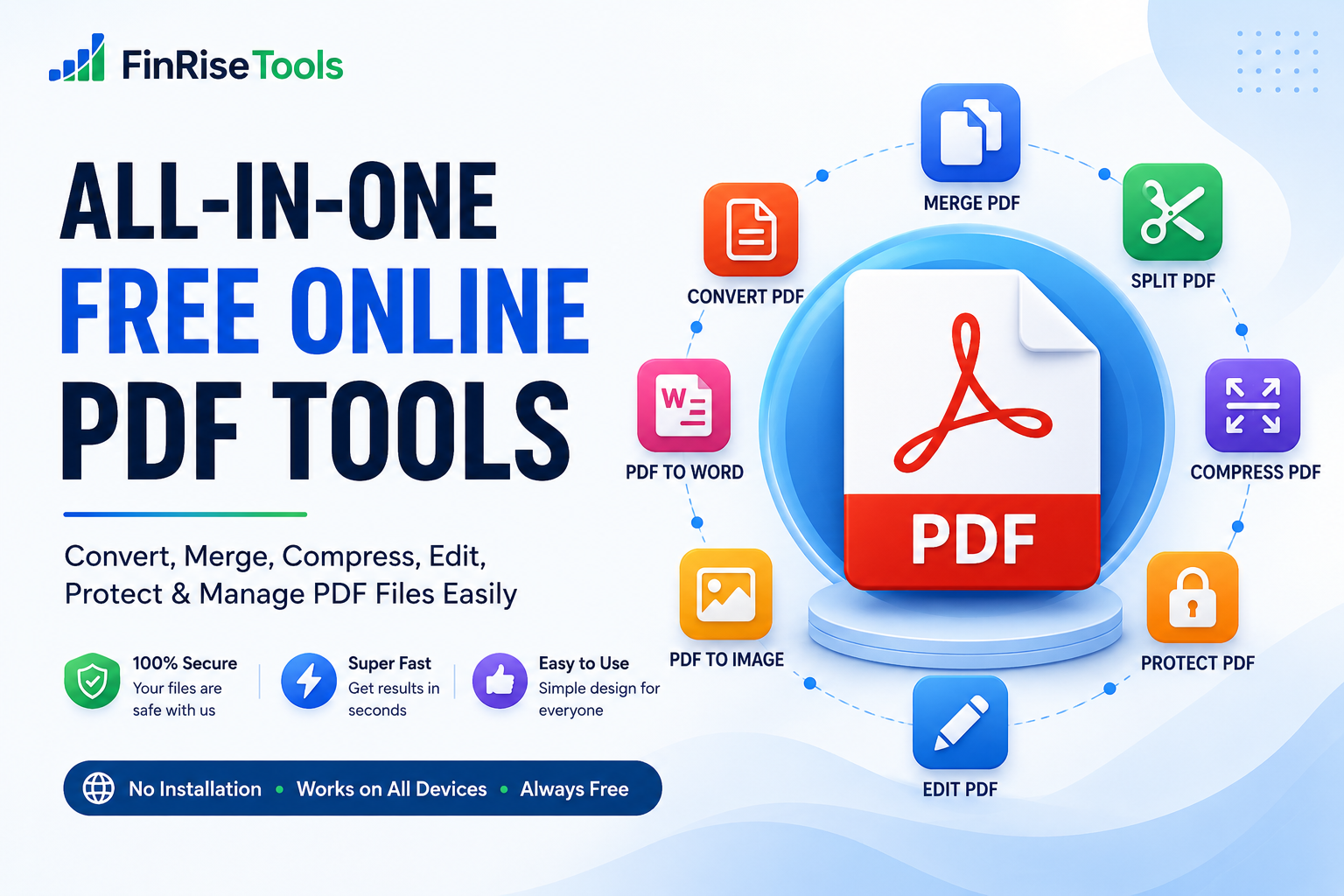
FinRiseTools brings commonly used PDF utilities together in one convenient online platform, allowing users to handle supported PDF tasks directly through a web browser.
The goal is straightforward: provide practical tools that are easy to understand, convenient to access, and useful for everyday document workflows.
1. Making PDF Management Simpler
Working with PDF files shouldn’t always require complicated desktop software.
For many everyday tasks, users simply need a straightforward way to perform an operation and obtain the required result. FinRiseTools is designed around this idea by bringing different PDF utilities together in one place.
Whether you need to merge documents for a project, convert a file, compress a large PDF, or organize pages, an online tool can make the process more convenient.
Our approach focuses on:
- Simplicity: Clear tools designed for straightforward tasks.
- Accessibility: Use supported tools through a web browser.
- Convenience: Keep multiple PDF utilities available from one platform.
- Practicality: Tools designed around common document requirements.
- Responsive Design: Access the website from desktop, tablet, or mobile devices.
The objective isn’t to make document management complicated. It is to make common PDF tasks easier to complete.
2. Explore a Range of PDF Tools
Different documents require different types of processing. Instead of searching for a separate service for every task, users can find multiple PDF utilities within the FinRiseTools platform.
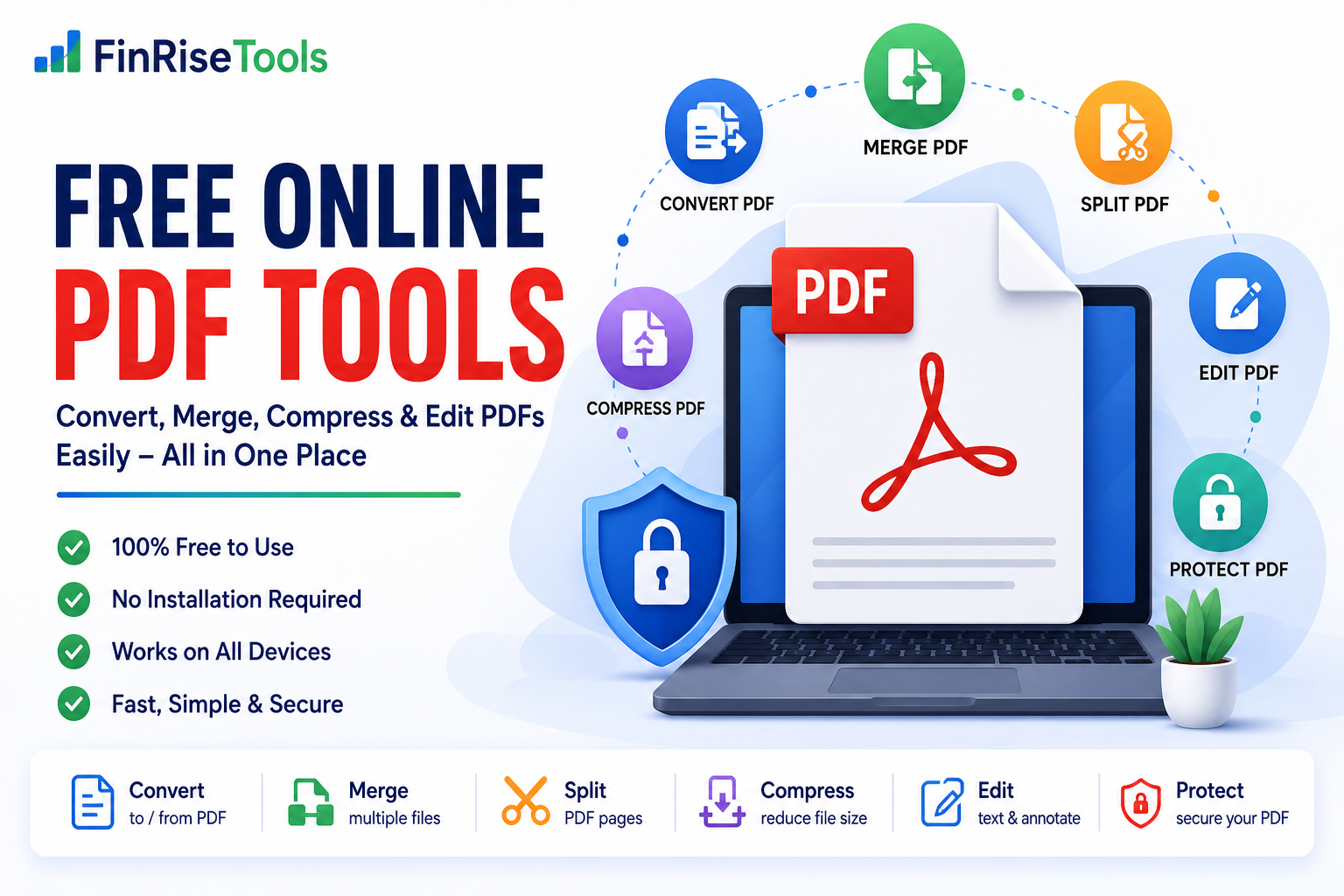
Depending on the tools available on the website, users can work with PDFs in several ways.
Convert PDF Files
Conversion tools can help transform documents between commonly used formats.
Examples include:
- PDF to Word
- PDF to Excel
- PDF to PowerPoint
- Word to PDF
- Excel to PDF
- Image to PDF
- PDF to JPG
- PDF to PNG
- PDF to TXT
Conversion results can depend on the structure, formatting, fonts, images, and other characteristics of the original document.
Merge and Organize PDFs
When information is spread across multiple documents, combining or organizing those files can be useful.
PDF organization tools may allow users to:
- Merge multiple PDF files
- Split PDF documents
- Rearrange pages
- Remove selected pages
- Rotate pages
- Extract specific pages
These features can be particularly useful when preparing reports, assignments, applications, or business documents.
Protect PDF Documents
Some documents contain information that shouldn’t be freely accessible.
Depending on the available functionality, PDF security tools can help users:
- Add password protection
- Remove restrictions from files they are authorized to modify
- Add watermarks
- Manage document information
Users should always make sure they have the necessary rights or authorization before modifying or removing security features from a document.
3. Compress and Optimize PDF Files
Large PDF files can be inconvenient when uploading them to websites, attaching them to emails, or storing them online.
A PDF compressor can reduce file size by optimizing the document’s contents.
The amount of reduction can vary considerably depending on the original PDF. Documents containing high-resolution images may respond differently to compression than primarily text-based PDFs.
For this reason, it is useful to check the resulting file before replacing your original document.
4. Why Use Online PDF Tools?
Online PDF utilities can be convenient when you only need to perform a specific document task.
No Desktop Software Required
For supported operations, users can work through their web browser instead of installing a dedicated PDF application.
Convenient Access
A web-based platform can be useful when you’re working from different computers or devices.
Simple Workflow
Most common PDF tasks follow a straightforward process:
Upload → Select Tool → Process → Download
This makes basic document operations accessible even to users who aren’t familiar with professional PDF software.
Multiple Utilities in One Place
Having conversion, compression, organization, and other PDF functions together can reduce the need to search for different services for individual tasks.
5. How to Use a PDF Tool
The exact process can differ between tools, but most operations follow a similar workflow.
Step 1: Select a Tool
Choose the PDF function that matches your requirement.
Step 2: Upload Your File
Select the document from your computer, tablet, or smartphone.
Step 3: Configure Available Options
Some tools may provide additional settings depending on the operation.
Step 4: Process the Document
Start the selected operation and allow the tool to complete processing.
Step 5: Download the Result
Once processing is finished, download the resulting file and check that it meets your requirements.
Tip: Keep an original copy of important documents before processing them.
6. PDF Tools for Different Users
PDF utilities aren’t limited to a particular profession. Different users can benefit from them in different ways.
Students
Students frequently work with assignments, research papers, presentations, forms, and project documents.
PDF tools can help with tasks such as combining project files, converting documents, or reducing file sizes before submission.
Professionals
Employees and independent professionals often exchange reports, proposals, contracts, forms, and presentations.
PDF utilities can simplify everyday document preparation and organization.
Small Businesses
Businesses may use PDFs for invoices, quotations, forms, brochures, records, and internal documents.
Having frequently used PDF functions available online can make simple document tasks more convenient.
Content Creators
Creators and designers may need to convert images, organize PDF portfolios, add watermarks, or prepare documents for distribution.
7. Choosing the Right PDF Tool
The best PDF tool depends on what you are trying to accomplish.
If you need to combine several documents, use a PDF merger.
If a document is too large to upload, a PDF compressor may be appropriate.
If you need an editable version of a document, a PDF-to-Word converter may be useful.
If you need to separate pages from a document, use a PDF splitter.
For images that need to be placed into a document, an Image-to-PDF converter can be useful.
Choosing the right tool first can save time and avoid unnecessary processing.
8. Protect Your Original Files
Before using any online file-processing service, consider the sensitivity of the document you are uploading.
For important or confidential documents:
- Keep an original backup.
- Check the website’s privacy policy.
- Avoid uploading sensitive information when unnecessary.
- Download and verify the processed file.
- Remove temporary files from your own device when appropriate.
The handling of uploaded files can vary between individual tools, so users should review the applicable information provided on the website.
9. PDF Tools and Website Performance
PDF files can contain images, fonts, graphics, and other embedded resources that make them relatively large.
Optimizing documents before uploading them to a website can help reduce unnecessary file size. Smaller documents can also be more convenient for visitors to download and share.
However, PDF optimization is only one part of website performance. Hosting, caching, page structure, scripts, images, and other technical factors also influence loading speed.
10. Everyday PDF Tasks Made More Convenient
A good PDF workflow doesn’t always require advanced software.
For many common situations, users simply need the right utility at the right time:
- Combine documents before submitting a project.
- Compress a PDF before uploading it.
- Convert an image collection into a PDF.
- Extract pages from a larger document.
- Rearrange pages into the correct order.
- Convert supported files into another format.
- Add a watermark to a document.
- Rotate incorrectly oriented pages.
FinRiseTools is designed to bring these types of utilities together so users can find the appropriate tool without unnecessary complexity.
Frequently Asked Questions
What are online PDF tools?
Online PDF tools are browser-based utilities that allow users to perform specific operations on PDF files, such as conversion, compression, merging, splitting, or page organization.
Are PDF tools useful for students?
Yes. Students can use PDF utilities for assignments, projects, applications, document submissions, and other common academic tasks.
Can I compress a PDF online?
Yes, if the website provides a PDF compression tool. The amount of file-size reduction depends on the document and the compression settings.
Can I merge multiple PDF files?
A PDF merger can combine multiple supported PDF files into a single document.
Can PDF files be converted to Word?
A PDF-to-Word converter can attempt to transform a PDF into an editable Word document. The resulting formatting may vary depending on the original PDF.
Can I use PDF tools on my phone?
If the tool has a responsive web interface, it can generally be accessed through a supported mobile browser.
Should I keep a backup of my PDF?
Yes. For important documents, keeping the original file before processing is a good practice.
Conclusion
Managing PDF files is a routine part of modern digital work, but individual tasks can sometimes become unnecessarily complicated.
FinRiseTools brings a collection of practical PDF tools together in one online platform, helping users handle common document operations such as converting, merging, splitting, compressing, organizing, and protecting supported files.
Whether you’re a student preparing an assignment, a professional managing documents, or a business owner working with forms and reports, having the appropriate PDF utility available can save time and simplify your workflow.
Explore the available FinRiseTools PDF tools and choose the utility that matches your document requirement.
Simple tools. Practical solutions. Better document workflows.