
PDF files are an essential part of modern digital work. Students use them for assignments and projects, professionals share reports and presentations through them, and businesses depend on PDFs for invoices, forms, proposals, records, and other important documents.
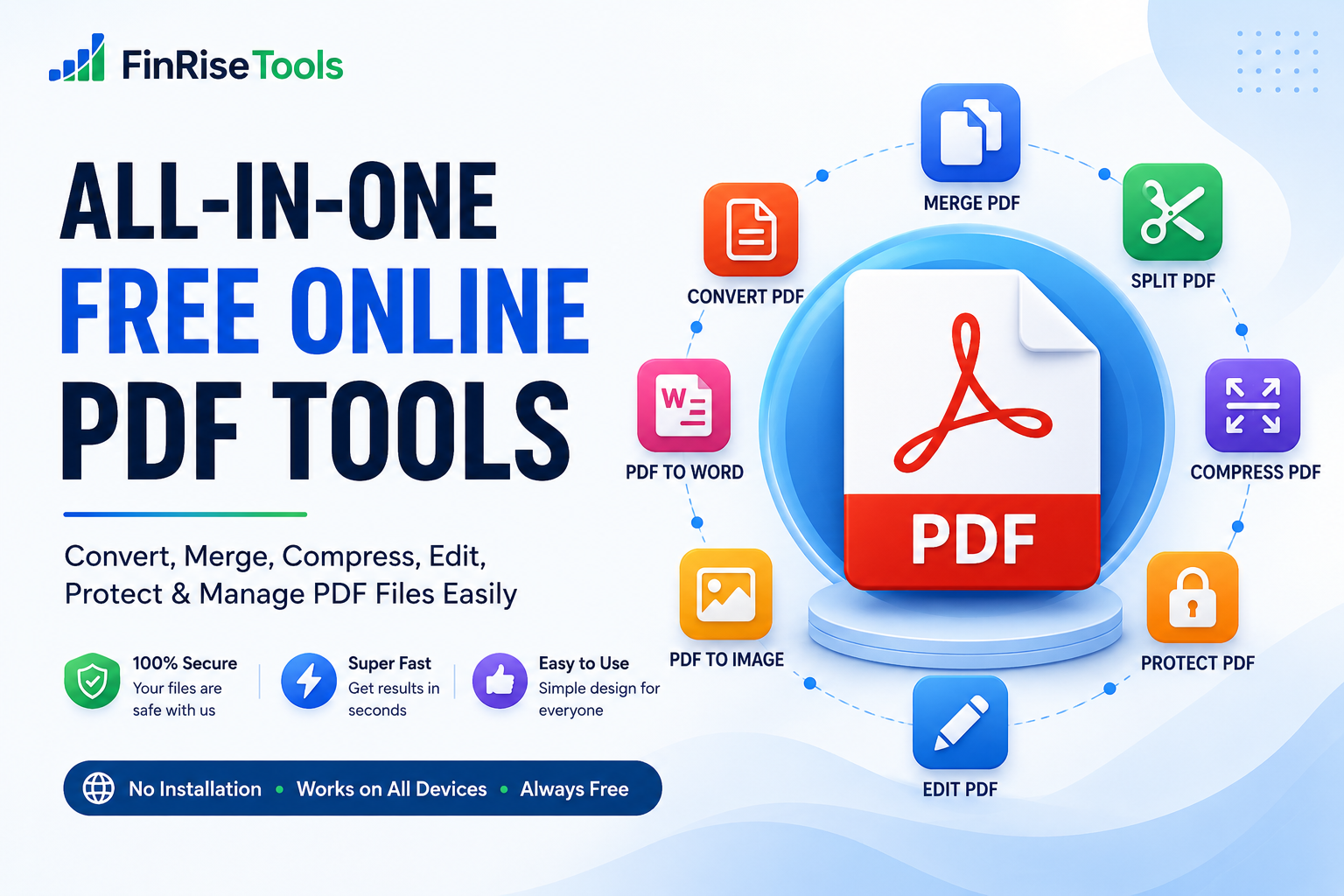
However, working with PDF files often involves more than simply opening and reading them. You may need to merge multiple PDFs, split pages, compress a large document, convert a PDF to another format, edit content, or protect a file before sharing it.
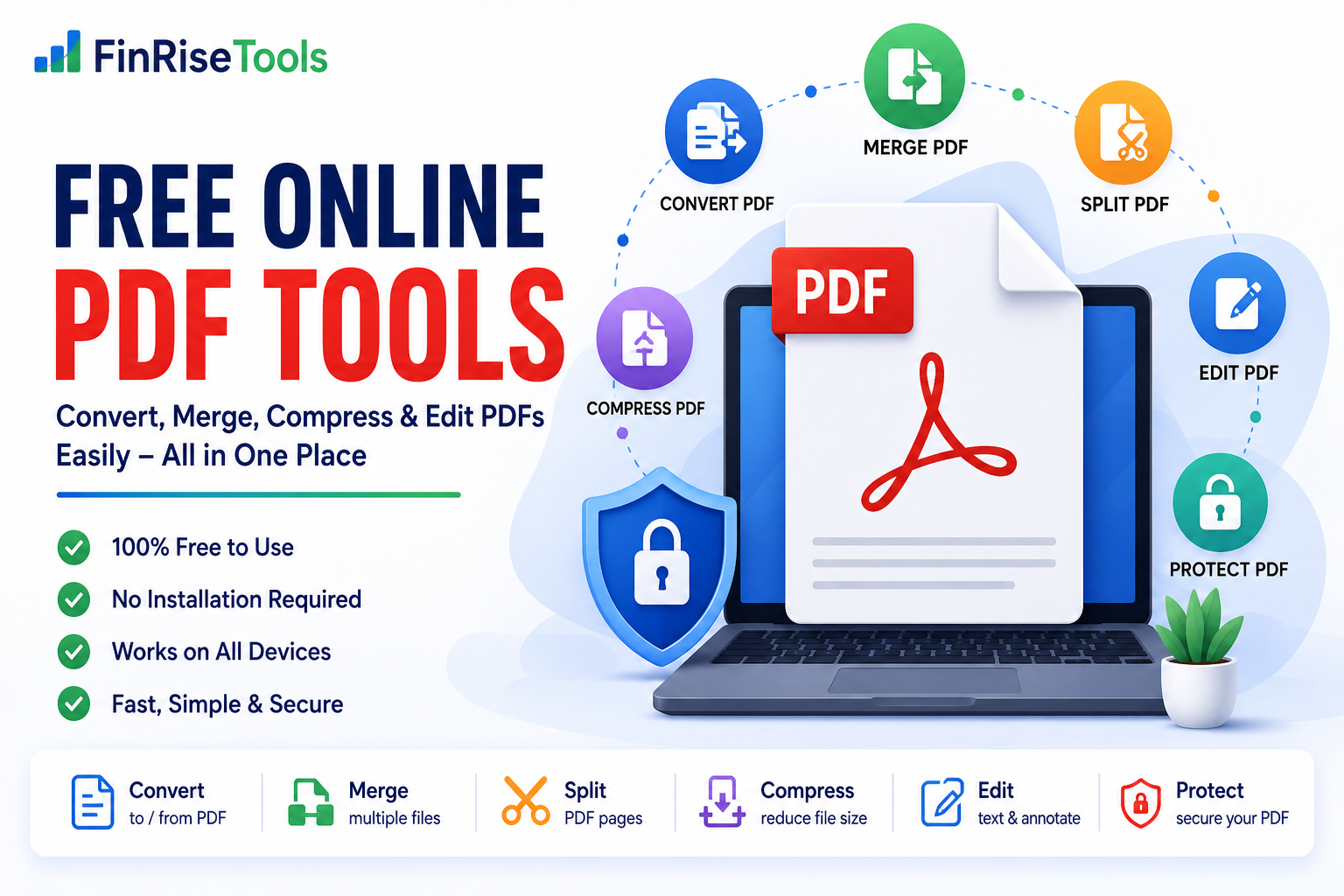
That is where free online PDF tools can make everyday document management easier. FinRiseTools brings a collection of browser-based PDF utilities together in one place, allowing users to perform common PDF tasks without depending on separate software for every operation.
Whether you are a student, professional, freelancer, creator, or business owner, the right online PDF tools can help simplify routine document work.
What Are Free Online PDF Tools?
Free online PDF tools are browser-based utilities that allow users to perform different operations on PDF files without necessarily installing dedicated desktop software.
Depending on the particular tool, users may be able to convert, merge, split, compress, edit, organize, or otherwise process PDF documents.
The main advantage of using online PDF tools is convenience. Instead of installing a separate application for every task, you can open the required utility in a browser and complete the operation through a simple workflow.
Common PDF tasks include:
- Converting PDF files
- Merging multiple PDF documents
- Splitting PDF pages
- Compressing large PDF files
- Editing supported PDF content
- Rotating and organizing pages
- Adding watermarks
- Working with PDF images
- Managing supported document formats
The exact features, file-size limits, and processing options can vary between individual tools.
Best Free Online PDF Tools for Everyday Tasks
Different PDF requirements call for different utilities. FinRiseTools is designed to provide access to commonly used document tools from one platform.
PDF Converter
A PDF converter can help transform supported documents between PDF and other file formats.
Common conversion requirements include:
- PDF to Word
- PDF to Excel
- PDF to PowerPoint
- Word to PDF
- Excel to PDF
- Image to PDF
- PDF to JPG
- PDF to PNG
- PDF to TXT
Conversion results can vary depending on the original document. Complex layouts, unusual fonts, tables, graphics, and scanned documents may require additional checking after conversion.
Merge PDF Online
A PDF merger allows you to combine multiple PDF files into one document.
For example, you might have separate files for a cover page, report, supporting documents, and appendix. Instead of sharing each file separately, you can use a merge PDF online tool to create one combined document.
This can be useful for:
- School projects
- Business reports
- Applications
- Invoices
- Presentations
- Digital records
- Document submissions
Before merging files, it is useful to arrange them in the desired order.
PDF Compressor
Large documents can be difficult to upload, email, or share.
A PDF compressor helps reduce the size of a supported PDF by optimizing its contents. The amount of reduction depends on the original document, particularly its images, graphics, fonts, and embedded resources.
Using a compress PDF online tool can be useful when:
- A website has an upload-size limit
- An email attachment is too large
- You need to save storage space
- A document needs to be shared more easily
Always review the compressed document before replacing your original file.
PDF Splitter
A PDF splitter can separate selected pages from a larger document.
For example, if a 50-page PDF contains only five pages that you need to send to someone, splitting the document can help create a smaller file containing the required pages.
A PDF splitter can be useful for:
- Extracting selected pages
- Separating chapters
- Creating smaller documents
- Sharing only relevant information
- Organizing large PDF files
Edit PDF Online
Sometimes a complete document conversion isn’t necessary. You may only need to make a small change.
Depending on the available functionality, edit PDF online tools may allow users to add or modify supported elements such as:
- Text
- Highlights
- Annotations
- Shapes
- Comments
- Watermarks
Editing capabilities vary between PDF tools, so always check the available options before processing an important document.
Why Use Online PDF Tools?
There are many desktop PDF applications available, but free online PDF tools can be convenient for users who only need to perform occasional document operations.
No Separate Software for Every Task
For supported operations, you can work directly through your web browser instead of installing a different application for every PDF requirement.
Simple Workflow
Most PDF utilities follow a straightforward process:
Select a tool → Upload the file → Process the document → Download the result
This approach makes basic PDF operations easier for users who don’t have advanced technical knowledge.
Convenient From Different Devices
Browser-based PDF tools online can be useful when working from computers, tablets, or smartphones, provided the particular tool supports the device and browser.
Multiple Tools in One Place
Instead of searching separately for a PDF merger, compressor, converter, and splitter, users can access different document utilities through one platform.
How to Use Free Online PDF Tools
Although every tool may have slightly different options, the basic process is usually similar.
Step 1: Choose the PDF Tool
Start by identifying the task you want to perform. For example, choose a PDF compressor if your document is too large.
Step 2: Upload Your File
Select the supported PDF or other compatible file from your device.
Step 3: Select Available Settings
Some tools may provide options such as page selection, compression level, output format, or other processing preferences.
Step 4: Start Processing
Click the appropriate action button and allow the tool to process your document.
Step 5: Review the Result
Open the resulting file and check its formatting, pages, images, text, and other important elements.
Step 6: Download the File
Once you are satisfied with the result, save the processed document to your device.
For important documents, always keep a copy of the original file.
Free Online PDF Tools for Students
Students regularly work with assignments, research material, application forms, project reports, and presentation documents.
Free PDF tools can help students with tasks such as:
- Combining project documents
- Converting assignments to PDF
- Compressing files before submission
- Extracting pages from study material
- Converting images into PDF documents
- Organizing project pages
For example, if an assignment contains several separate PDF files, a PDF merger can combine them into one document before submission.
PDF Tools for Professionals and Businesses
Businesses and professionals frequently exchange documents such as reports, proposals, invoices, quotations, forms, and presentations.
Online PDF utilities can be useful for routine document preparation.
For Professionals
Professionals can use PDF tools to organize reports, convert documents, compress attachments, and prepare files for sharing.
For Small Businesses
Small businesses may use PDF utilities for invoices, quotations, forms, brochures, and administrative documents.
For Freelancers
Freelancers can use PDF converters and document tools when preparing proposals, portfolios, client documents, or project deliverables.
The appropriate tool depends on the type of document and the specific task involved.
How to Choose the Right PDF Tool
Choosing the correct utility can save time and reduce unnecessary processing.
Need to Combine Documents?
Use a PDF merger.
Need a Smaller File?
Use a PDF compressor.
Need to Separate Pages?
Use a PDF splitter.
Need Another File Format?
Use a PDF converter.
Need to Make Small Changes?
Use a suitable PDF editor.
Need to Organize Pages?
Use PDF page management tools such as page reorder, rotate, or delete functions when available.
Selecting the appropriate tool before uploading your document makes the workflow more efficient.
Tips for Using Free Online PDF Tools Safely
Online document processing can be convenient, but users should still take sensible precautions.
Keep Your Original Document
Before processing an important PDF, save a copy of the original.
Check the Privacy Information
If a document contains confidential information, review the website’s privacy policy and understand how uploaded files are handled.
Review the Output
Conversion and compression can sometimes change formatting. Always check the resulting document.
Avoid Processing Unnecessary Copies
Work with the correct version of your document to prevent accidental changes to an outdated file.
Use Authorized Documents
Only upload or modify files that you have the right or permission to process.
Are Free Online PDF Tools Good for Website Optimization?
PDF optimization can also be useful for websites.
Large PDF files can take longer to upload and download, particularly for users on slower connections. Compressing unnecessarily large documents may make them easier to distribute.
However, PDF size is only one part of overall website performance. Hosting, caching, images, scripts, page structure, and other technical factors also influence website speed.
Frequently Asked Questions About Free Online PDF Tools
What are free online PDF tools?
Free online PDF tools are browser-based utilities that help users perform common PDF operations such as converting, merging, splitting, compressing, editing, and organizing documents.
Can I merge PDF files online?
Yes. A PDF merger can combine multiple supported PDF files into a single document.
How can I compress a PDF online?
You can use a PDF compressor to optimize a supported document and reduce its file size. The final reduction depends on the contents of the original PDF.
Can I convert a PDF to Word?
Yes, a PDF-to-Word converter can convert supported documents into Word format. The resulting layout may vary depending on the structure of the original PDF.
Can I edit PDF files online?
If an online PDF editor supports the required functionality, you may be able to add text, annotations, highlights, shapes, or other supported elements.
Are online PDF tools useful on mobile phones?
Yes. Responsive browser-based PDF tools can be accessed from supported smartphones and tablets without requiring a dedicated desktop application.
Should I keep my original PDF?
Yes. It is always a good practice to retain the original copy of important documents before processing them.
Are all PDF tools completely free?
The availability of free features can vary between services and individual tools. Check the particular tool’s page for its current features and limitations.
Why FinRiseTools?
FinRiseTools brings different types of online utilities together in one website, including calculators, PDF tools, image tools, and other practical utilities.
The objective is to make frequently needed online tools easier to find and use without unnecessary complexity.
For PDF-related tasks, users can select the appropriate utility based on whether they need to convert, merge, split, compress, edit, or organize a document.
Instead of using one application for every small requirement, you can choose a dedicated tool for the task you need to complete.
Conclusion
PDF documents are now a routine part of education, business, professional communication, and everyday digital work. As the number of documents we create and share continues to grow, simple tools for managing those files become increasingly useful.
Free online PDF tools can help with a wide range of common requirements, from converting and merging documents to compressing files, splitting pages, and editing supported content.
FinRiseTools brings these utilities together in one convenient platform so you can select the tool that matches your particular requirement.
Whether you’re preparing a school assignment, organizing business documents, sending a professional report, or simply trying to reduce the size of a PDF, the right online PDF tool can make the process easier.
Explore FinRiseTools and find the PDF tool you need for your next document task.